analytics · alternative · comparison
Free Mixpanel and Google Analytics Alternative, Built In
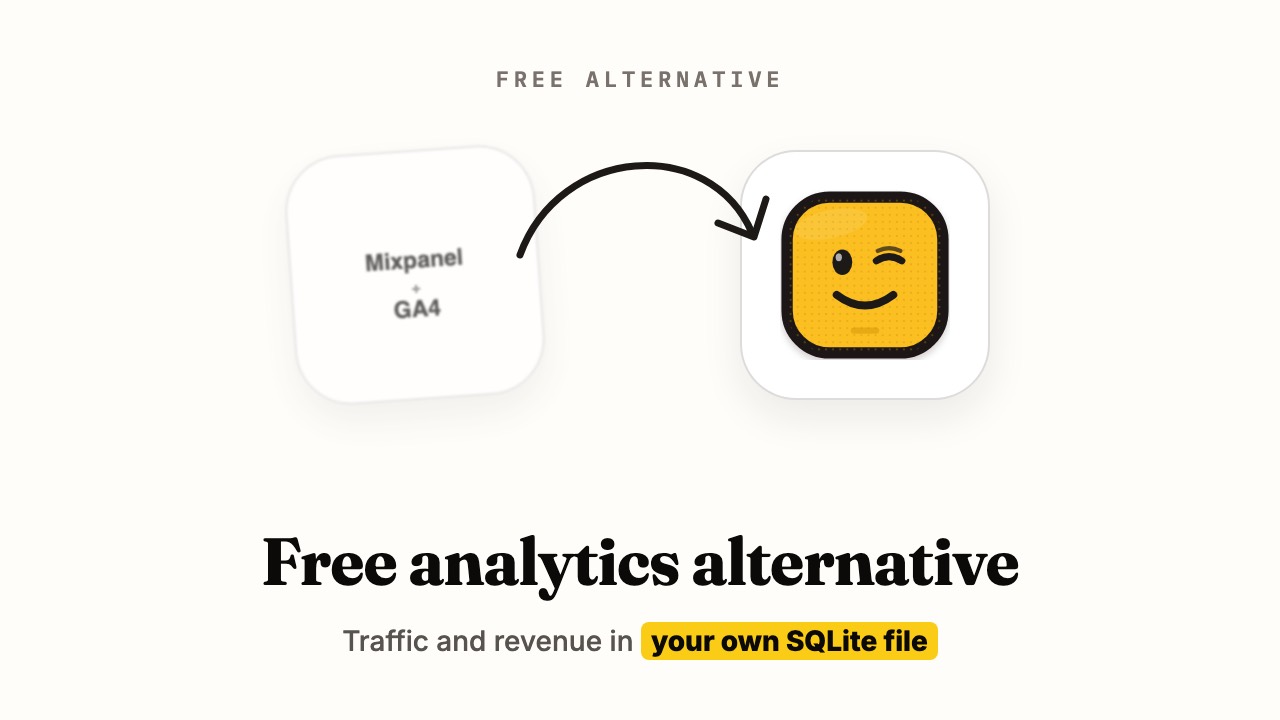
Analytics built into your app: page views, funnels, channels and revenue per visitor. No script tag, no event quota, and the data stays yours.
"Which tweet made money?" is a question GA can't answer
You post a launch thread, a blog post and a Reddit comment on the same day. Two sales come in. Google Analytics shows a traffic spike, and Stripe shows two payments, but nothing joins the two.
That join is what most founders actually want from analytics. Not more charts, just "this visitor came from here, read these pages, and paid this much."
Mixpanel can do it if you wire up revenue events yourself. BoringPush does it out of the box, because your analytics and your payments live in the same app.
What you see
Open your dashboard and you see who visited, where they came from, and which of them paid. Traffic is sorted into plain groups like Organic Search, Organic Social, AI Assistant, Email and Paid Advertising. Revenue sits next to each one.
So "which channel is worth my time" has an answer in dollars, not clicks.
What each one costs and stores
Mixpanel and Google numbers come from their own pages, checked on 2026-10-20.
| BoringPush built-in | Google Analytics 4 | Mixpanel Free | |
|---|---|---|---|
| Price | $0, no event quota | $0 | $0 up to 1M events/mo |
| Above the free tier | Your server's disk | None | Growth plan, priced by event volume |
| Where data lives | Your own server | Mixpanel | |
| Cookies | One first-party session cookie, or none (see below) | _ga and _ga_<id>, 2-year default expiry | Set by their SDK |
| Revenue per visitor | Recorded when an order completes | Needs ecommerce setup | Needs revenue events you send |
| Extra script tag | No | Yes | Yes |
Both tools are good, and both are free to start. The question is whether you want the data in their database or in yours.
Privacy, handled for you
Every visit is stored with the visitor's address shortened, so it can't point to one person. Visits from known bots are ignored. If a visitor's browser says "don't track me," BoringPush respects that and sets no cookie.
By default it sets one first-party session cookie that expires after 30 minutes idle. Turn on cookie-free mode with one setting and it sets none. The trade-off is real: without the cookie, a sale can still be tied to a signed-in user, but not to the anonymous visit before it.
Whether you need a cookie banner depends on your country's law, so ask someone qualified.
Three ways to read it
The dashboard. Visitors, sessions, bounce rate, top pages, referrers, channels, devices, countries, funnels and buyer journeys, all in one place.
The terminal.
bp analytics overview --days 30
bp analytics revenue --days 7
bp analytics live
Your AI assistant. Ask Claude or ChatGPT "where did this week's revenue come from?" and it can answer from your real numbers. See connecting your app to ChatGPT and Claude.
Need the raw rows? You can export them as a CSV.
Track what matters to you
Beyond page views, you can record your own moments, like "finished onboarding" or "invited a teammate", and build funnels from them. A funnel can end at the built-in "paid" step, so you see how many visitors went all the way.
A broken tracking call never breaks your app. If a write fails, your visitor doesn't notice.
Know this first
Mixpanel has years of product on top of its event store: cohorts, retention charts, session replay and experiments. Google Analytics plugs into Google Ads in a way nothing self-hosted can. If you live in those reports every day, you'll want them.
For everyone else, the built-in version answers the question that matters: which source pays. It also means you own the housekeeping: back the data up with the rest of your app, and know that events older than 90 days are cleared out automatically.
Why BoringPush is the way to do this
Most analytics tools tell you who visited. BoringPush tells you who paid, and where they came from.
That's possible because your analytics and your payments live in the same app, not in two tools you have to stitch together. It costs nothing extra, needs no script tag, and the data is yours. Once you've seen revenue next to each channel, plain traffic charts feel like half the story.
FAQ
Is it really free, with no event limit?
There's no quota. Events are stored on your own server, so what you pay is the server you already run. Old events are tidied away after 90 days to keep things light.
Do I need a cookie banner?
That depends on your country's law and on what you collect, so ask someone qualified. What BoringPush does: by default it sets one first-party session cookie. With cookie-free mode on, or when the browser sends a Do Not Track or Global Privacy Control signal, it sets none.
Does my own traffic pollute the numbers?
No. Visits from your admin account are ignored. You can also visit once with ?boring_ignore=1 and that browser stops being counted.
Can I run it next to Google Analytics while I compare?
Yes. Nothing stops you from adding a Google tag too. Run both for a few weeks and compare the numbers you actually look at.
Does it work if my app data is in Supabase or MongoDB?
Yes. Your traffic numbers stay in a file on your server whichever database holds your app data.
Keep reading
- Free Datafast Alternative in Next.js: Cookieless Analytics — the same engine against a revenue-first tool
- PostHog Bills $450. SQL Bills $0. — product analytics vs your own tables
- Owned Analytics vs Rented Analytics — PostHog, Plausible, Fathom and DataFast side by side
+ all the boring stuff (analytics, auth, SQLite ↔ Supabase, full marketplace, webhooks)
Command from your phone.
Built so autonomous AI agents build what you want without breaking what's already paying you.
- Built-in analytics — cookie-free mode, $0 forever, no PostHog bill
- SQLite ↔ Supabase: one setting, same field names
- Full digital marketplace & feedback boards included
- 3 payment rails: Stripe, LemonSqueezy & Dodo Payments
- Agent fences: lint gate, read-only data access, auto-rollback
- Ship from your phone via SSH & WireGuard/Tailscale in under a minute
$199
Get BoringPushOne-time payment · Lifetime updates · Unlimited projects.
Keep reading