ai · agents · future
The End of Web Apps
Nobody wants to click anymore. For a hundred years you've been the operator, plugging in your own calls one tap at a time. That shift is ending.
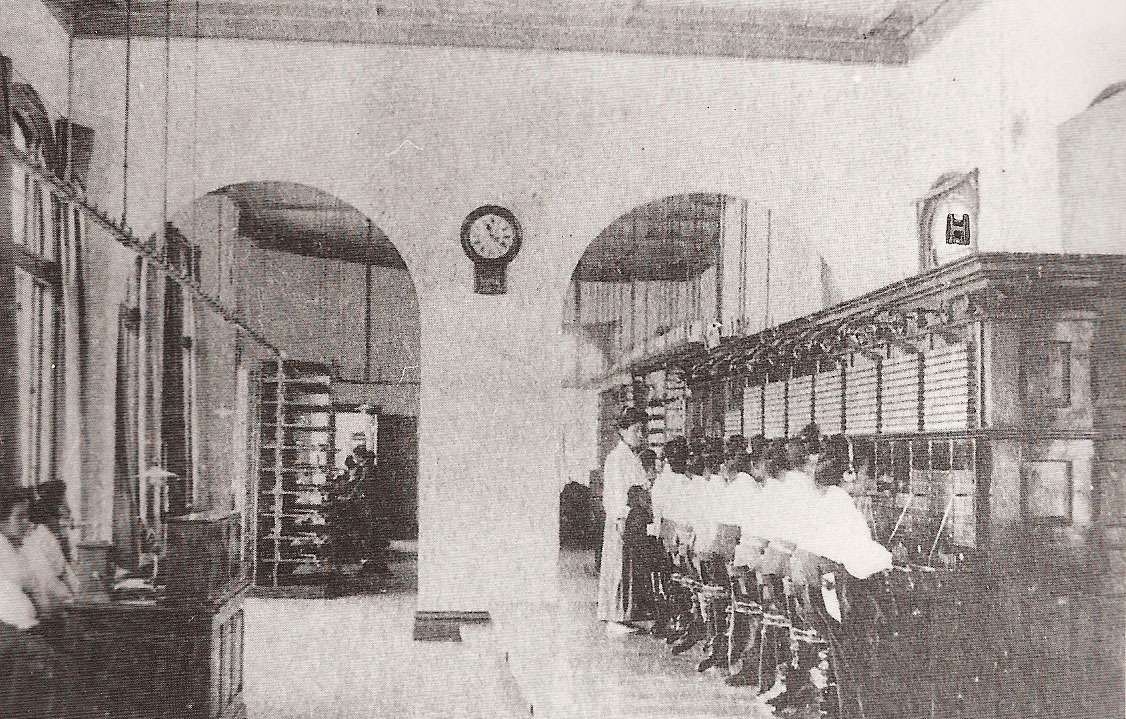
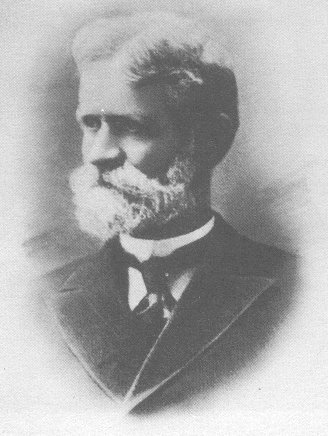
In 1889, an undertaker in Kansas City declared war on a telephone operator.
His name was Almon Strowger, and his business was dying. Not because he was bad at burying people. Because of a woman with a headset and a wall of wires.
Back then, every phone call went through a human. You lifted the receiver and a voice said, "Number, please." She plugged you in by hand.
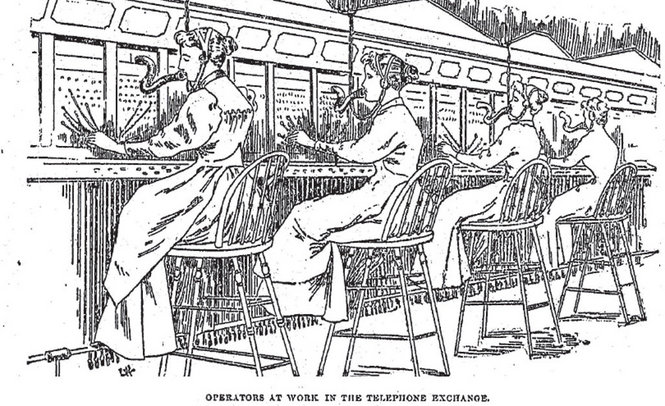
The operator was the browser, the search engine and the algorithm. One person, in one room, deciding who got through.
Strowger became convinced his town's operator was the wife of his biggest competitor. A grieving family would ask for "the undertaker," and the call would quietly go next door.
Was it true? Nobody knows.
It didn't matter. Strowger believed it, and he was the kind of man who builds something about what he believes.
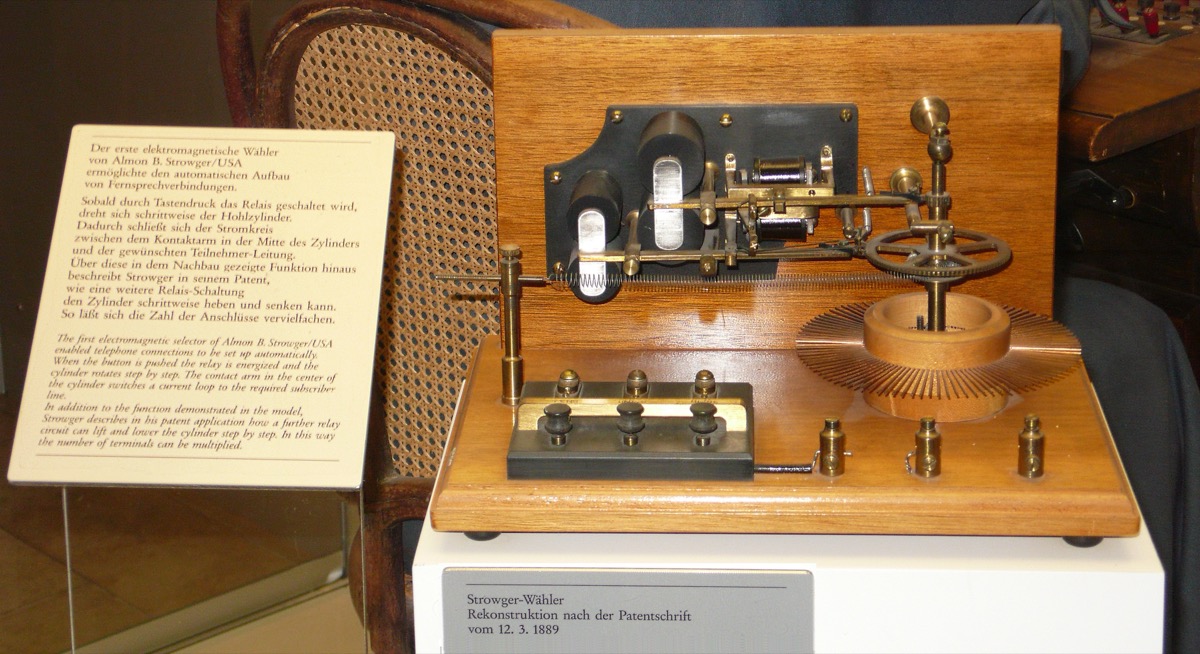
So he built a machine that could reach any line with no human hand in between. Legend says the first model was a collar box and a handful of straight pins.
He patented it in 1891. In 1892, La Porte, Indiana became the first town where you could call anyone without asking a person first.
He'd reportedly promised to put every last operator out of a job.
He nearly did.
The middleman never left
Here's the part nobody tells you.
A machine that removes the human in the middle has to put someone else in the middle.
That someone was you.
First it was dialing. Every digit, by hand. Then screens arrived, and with them the greatest middleman ever built: the interface.
The form. The dropdown. The "Next" button.
The dashboard with forty tabs, thirty-nine of which you will never open. The checkout that asks for your address and then asks if you'd like to "save it for next time," as if you'd never met. The cancel link buried three menus deep, behind a survey, available nine to five on weekdays.
You became the operator.
Every app is a switchboard, and you spend your days plugging in the wires yourself. Click, tap, scroll, click. Connecting your own calls, one at a time.
We gave this a beautiful name: user experience.
We wrote books about it. We ran conferences. We hired people to make the tap targets twelve percent bigger.
All of it circling one truth nobody wanted to say out loud.
Nobody wants to click.
Clicking was never the point. Clicking was the tax you paid because the machine couldn't understand you. So you learned to speak machine instead, one button at a time, for forty years.
The operator is back
Look at your own week.
Somewhere along the way you stopped opening some of your apps and started asking instead.
Put this in my calendar. Find the cheaper one. Tell them I'll be late.
You typed a sentence, and the thing happened.
The operator is back. No headset, no coffee break, no misrouted calls. It lives in a chat window and connects whatever you ask it to: your calendar, your inbox, your bank, the flight you were about to spend forty minutes booking.
Some of these operators don't even need a socket. They look at your screen and click for you, a ghost in your chair doing the job you hate.
Which means the app you downloaded and the dashboard you bookmarked are turning into what the switchboard became: machinery behind the counter. Not a place you go. A thing your operator reaches into on your behalf.
The web app won because there was no alternative. Every button was a compromise with a machine that couldn't listen.
That compromise is ending.
Not dead. Demoted
Will buttons disappear? No.
Games keep their buttons, because in a game the clicking is the fun. Some people will always love a good dashboard, the way some people loved their crank phones.
But the default is flipping, and the default always wins in the end.
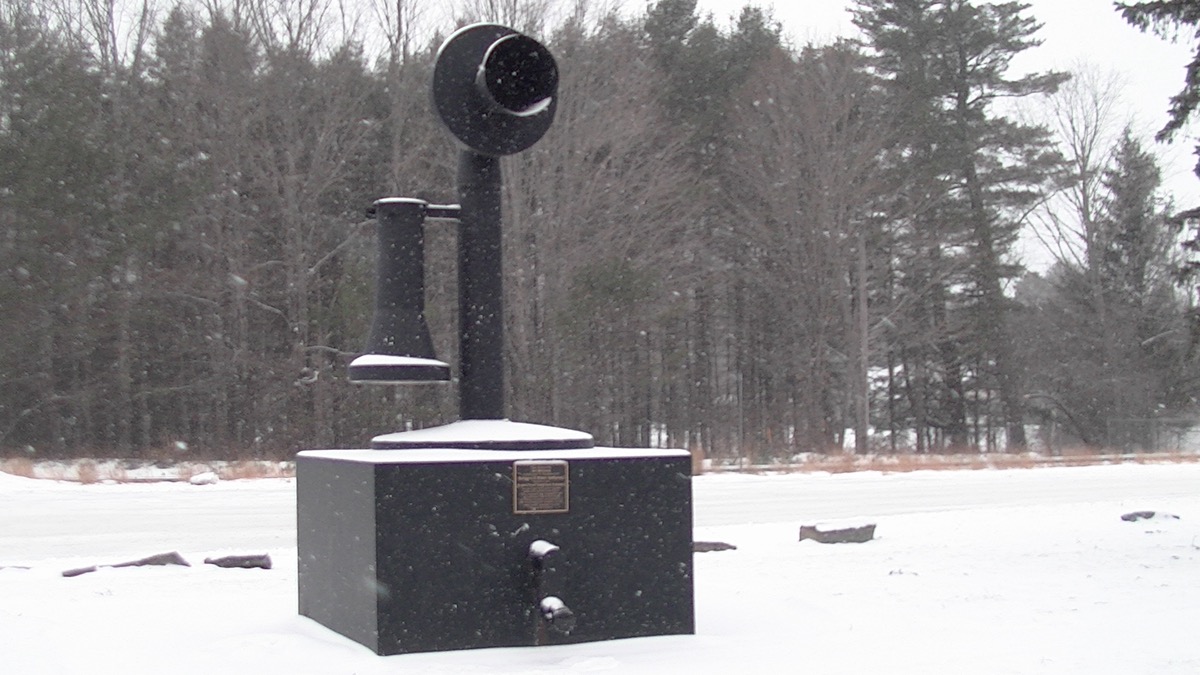
The last hand-cranked telephone exchange in America held on until 1983, in Bryant Pond, Maine. The town loved it. They campaigned to keep it, with a slogan and everything: "Don't Yank the Crank."
Then the lines were switched over. Life got easier. The switchboard went to a museum, and nobody asked for it back.
That's where the nine-step onboarding tour is headed. The settings page. The checkout with the little dots that tell you you're only on step two.
One day there will be a glass case with a card that reads "Web dashboard, ca. 2010–2030. People clicked these by hand." And a kid will look at it and ask:
"Why didn't they just ask?"
If you build software, this is your move
Here's the uncomfortable part for founders. When your customers stop clicking, they don't stop needing your product. They just stop visiting it.
The question becomes: can their operator reach you?
If the only way into your app is a human clicking through forty tabs in a browser, an AI operator walks past you to a competitor it can talk to. If your app speaks the operator's language, you become the tool it reaches for.
So what does building software look like in the post-web-app era?
Here is what changes.
1. Give the operator a command line
If a feature only exists as a button in a screen, you built a walled garden for human fingers.
Every entity in your app — users, boards, products, orders — should work from a terminal command:
bp boards list
bp orders list --all
bp users grant --email [email protected] --yes
When your product works from the command line:
- The logic lives outside the screens, away from the buttons.
- Scripts, cron jobs and background workers use the same path as your pages.
- AI agents don't need brittle browser automation. They run your commands.
2. Speak the operator's language
The common language of modern AI operators is the Model Context Protocol, or MCP.
MCP is to AI assistants what HTTP was to browsers: a standard way to discover what your app can do, inspect it, and act with the user's permission.
Not a chatbot floating in the corner of your homepage. Your actual backend, exposed as clean tools.
When your user asks Claude to summarize the top three feature requests and draft an update email, Claude reaches your app through MCP, authenticates with that user's token, and does the work for them.
3. Keep one door for people and agents
A modern app does not keep two backends — one for browsers, one for bots.
You write one small route that checks the input, checks who is calling, and hands off to one function. The same code serves the dashboard, the terminal and the AI client.
Know this first
- Screens still matter. People like looking at things.
- The operator only reaches what you expose. Tools you don't open, it can't use.
- This is a second front door, not a replacement. Your web app keeps working.
Why BoringPush is the way to do this
BoringPush was built for the operator. It ships a bp command line and an MCP server, so boards, posts, orders, analytics and deploys work from a terminal or an AI client.
The same endpoints serve people and agents. One door, two kinds of caller.
Keep your screens. People still like looking at things. Just make sure the operator has a line in.
For a hundred and thirty years, you were the operator. Your shift is ending. Build the software that operators reach for.
+ all the boring stuff (analytics, auth, SQLite ↔ Supabase, full marketplace, webhooks)
Command from your phone.
Built so autonomous AI agents build what you want without breaking what's already paying you.
- Built-in analytics — cookie-free mode, $0 forever, no PostHog bill
- SQLite ↔ Supabase: one setting, same field names
- Full digital marketplace & feedback boards included
- 3 payment rails: Stripe, LemonSqueezy & Dodo Payments
- Agent fences: lint gate, read-only data access, auto-rollback
- Ship from your phone via SSH & WireGuard/Tailscale in under a minute
$199
Get BoringPushOne-time payment · Lifetime updates · Unlimited projects.
Keep reading