paywall · architecture · tutorial
Your Paywall Is 47 ifs. It Should Be 1 Boolean.
One access switch and one plan label cover lifetime deals and monthly subscriptions without building a complex pricing engine.
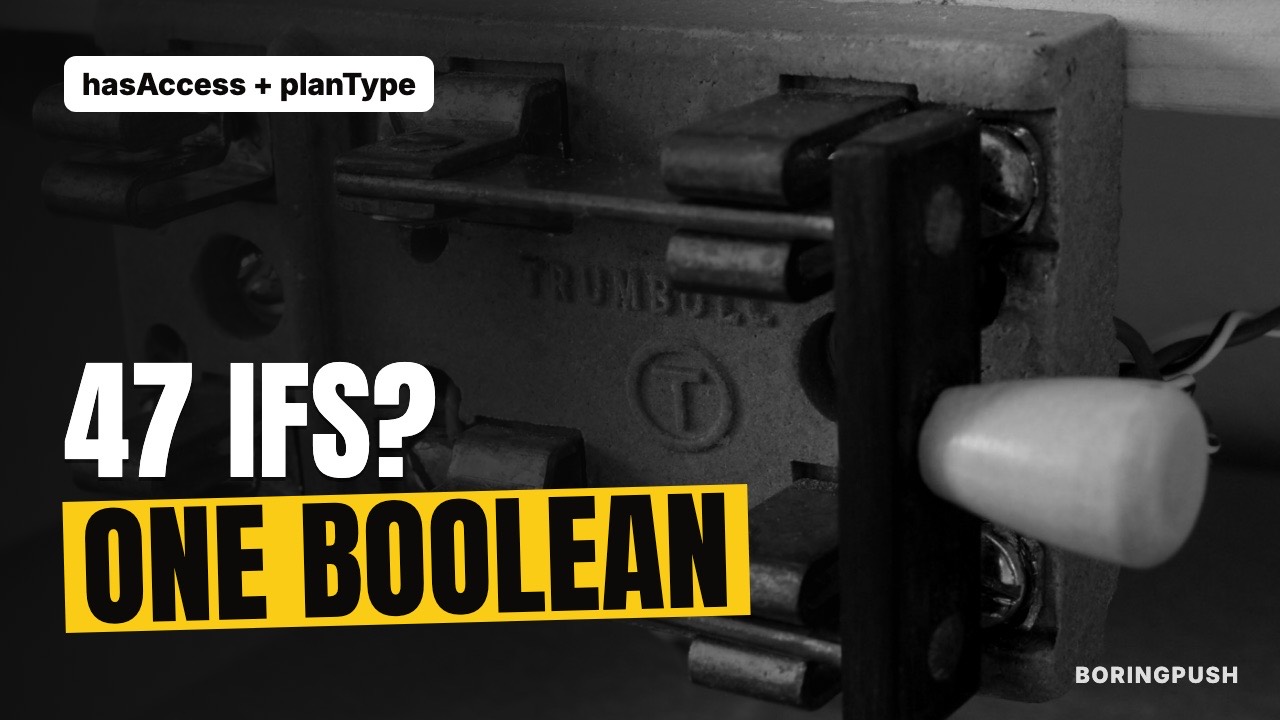
Pricing engines grow tentacles before a startup makes its first dollar.
Founders spend weeks modeling tiers, seats, trial counters, feature flags, usage quotas and coupon matrices. Then they launch to zero traffic.
An MVP needs one question answered. Did this user pay?
BoringPush answers it with one yes-or-no switch and one plan label.
Two facts protect most SaaS apps
Every user carries two facts. Whether they have access. And which plan they are on: lifetime, monthly, yearly or free.
Access is the global gatekeeper. The plan label comes from payment history.
Buy a lifetime license and access turns on. The plan becomes lifetime.
Subscribe monthly and access stays on while the subscription is active. If it lapses or is cancelled, access turns off.
One line each, for pages and APIs
Don't sprinkle dozens of conditional checks across components and routes.
Use two standard checks.
One protects API calls.
One protects pages.
Both ask the same question and give the same answer.
- On an API call: a visitor who is not signed in gets a 401. A signed-in visitor who has not paid gets a 403. A paid user goes straight through.
- On a page: an unpaid visitor is sent to your pricing page. A paid user sees the page.
With one check instead of forty, a missed paywall is a one-line review catch, not a hunting expedition.
Pages and APIs matter equally. A locked page that leaves its data API open leaks everything.
Marketplace products and multiple orders
Digital downloads and template purchases reuse the same design.
Each completed checkout records an order tied to the product and the buyer. Checking ownership of an asset is a simple lookup. If the product is a master membership, the payment also turns on site-wide access.
One buyer can own several things. No special casing. The store keeps its own record of who bought what.
Taking access away, deliberately
- When a payment provider reports a cancelled subscription, the matching order is marked cancelled.
- The app checks whether the user still has any other active subscription or a completed lifetime order.
- If none remain, access turns off.
Lifetime buyers keep access through any recurring cancellation, untouched.
A refund works the same way. The provider's event removes access, and the order is marked refunded.
Why one switch beats many
Every surface agrees by construction.
Trials, lifetime deals and subscriptions all resolve to the same yes or no before anyone asks. No page honors trials while another forgets them.
You can change prices, add a plan or switch payment providers without touching a single protected page.
Launch day checklist
Open your site in a private window. Try to reach every paid page and API without signing in.
Then sign in as a free user and try again. Anything that opens unexpectedly is a hole.
Finding it now costs a minute. Finding it later costs a refund.
What unpaid visitors see
Pages send them to your pricing page. API calls return a clear 401 or 403. They never see paid content.
A stranger and a free user get different codes on purpose. A 401 says log in. A 403 says pay.
Clients can respond to each correctly, instead of guessing from an HTML page.
Testing it
Run three sign-ins on a staging copy.
A free user.
A paying user.
A user whose subscription you cancel.
The free user should be sent to pricing. The paying user should see the page. The cancelled user should lose access, while a lifetime buyer in the same test keeps it.
Ten minutes, and you have walked every state.
Know this first
One switch means paid or not. Nothing finer. It does not meter usage, count seats or enforce tiers.
A bug in the shared check affects everyone, so test it hard.
Why BoringPush is the way to do this
One question. One answer.
Did this user pay? BoringPush answers it in one place, for pages and for APIs.
Lifetime, monthly or refunded, the answer stays right.
FAQ
What if I want to offer a 14-day free trial?
Add a trial end date to the user and allow access while it is in the future, in the same single check. The gate logic stays in one place. BoringPush does not ship trial handling, so this is a small addition you make yourself.
How do I handle team seats later?
When customers ask to add team members, add a teams table with seat counts and an owner. Do not build a multi-tenant seat hierarchy before you have five paying individual customers.
Does a refund remove access?
Yes. The provider's refund event turns access off if the user has nothing else active. Test it in the provider's test mode, because refund paths rot silently.
What do unpaid visitors see?
Pages send them to your pricing page, and API calls return a clear 401 or 403. They never see paid content.
Can I use this with any of the three payment providers?
Yes. Stripe, LemonSqueezy and Dodo all feed the same access switch, so the paywall never branches on the provider.
Keep reading
- requirePaidUser(): One Boolean, Zero Paywall Holes — the guard in depth
- Protect Pages AND APIs: Your Locked Page Leaks — why both fronts matter
- Take Money 3 Ways, Write Checkout Once — the providers that feed the switch
+ all the boring stuff (analytics, auth, SQLite ↔ Supabase, full marketplace, webhooks)
Command from your phone.
Built so autonomous AI agents build what you want without breaking what's already paying you.
- Built-in analytics — cookie-free mode, $0 forever, no PostHog bill
- SQLite ↔ Supabase: one setting, same field names
- Full digital marketplace & feedback boards included
- 3 payment rails: Stripe, LemonSqueezy & Dodo Payments
- Agent fences: lint gate, read-only data access, auto-rollback
- Ship from your phone via SSH & WireGuard/Tailscale in under a minute
$199
Get BoringPushOne-time payment · Lifetime updates · Unlimited projects.
Keep reading