auth · tutorial
Admin Allowlist: Stop Paying Customers Entering Admin
Admin pages need a velvet rope, not a role system: email allowlist checked first, everything else unchanged. The 5-line pattern inside.
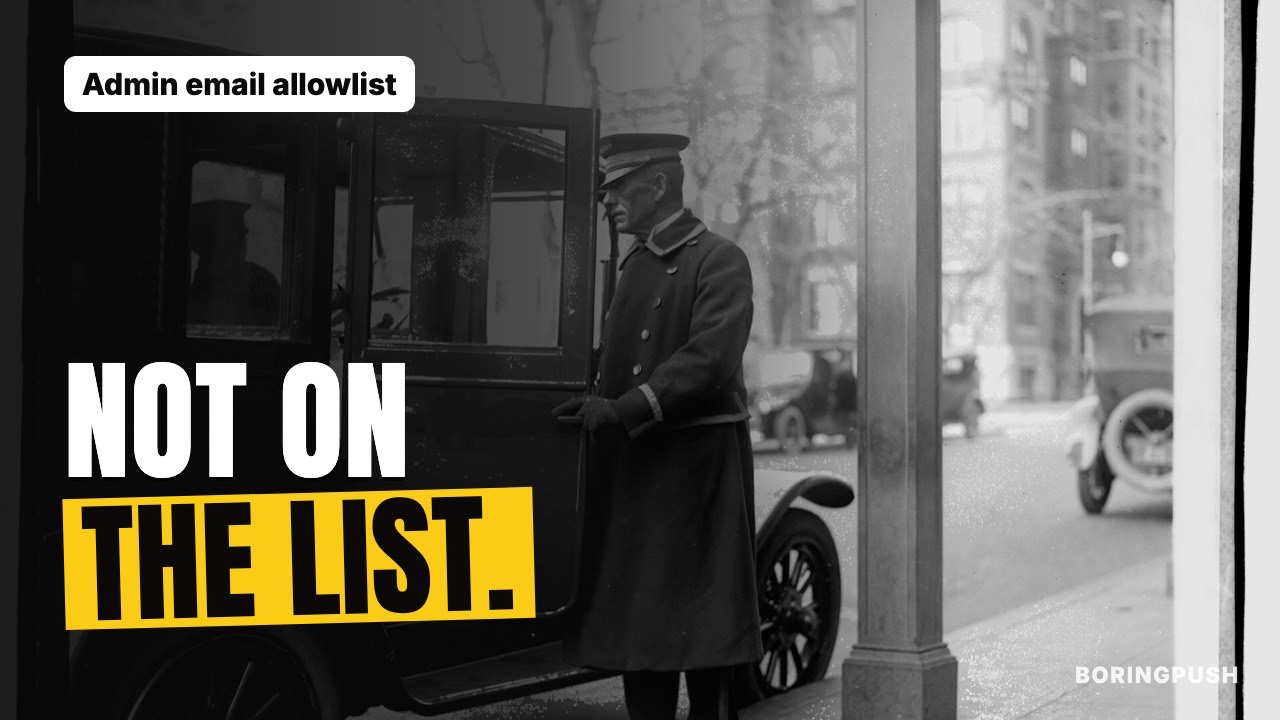
Your admin pages are open to every customer
Your admin dashboard shows revenue, emails and refund buttons.
Guard it with the same paywall as the user dashboard, and any paying customer who guesses the URL walks into your control room.
The opposite mistake is just as costly. A full roles system, permission matrices, invitation flows. Weeks of work to protect a page two people visit.
You need something in between. A velvet rope, not a fortress.
Four ways to guard admin
| Option | Setup | Security | Upkeep |
|---|---|---|---|
| Same paywall as users | None | None, paying users get in | None |
| Obscure URL only | None | Theater, URLs leak | None |
| Full roles and invitations | Weeks | Excellent | Forever |
| Email allowlist | Minutes | Strong for a handful of people | One list |
Three facts decide it.
Paying is not trusted. Customers pay for the product. Not for refund buttons and email addresses.
Obscurity is not access control. A secret URL lives in git history, browser history and referrer headers. It is a public fact on a delay timer.
Roles rot below team scale. The old contractor stays admin. Nobody audits the permissions. Complexity nobody maintains becomes a hole.
Five people or fewer? Use an allowlist.
What to do
Keep the list of admin emails in your server settings. Not in the database.
Database rows can be edited through the very admin you are guarding. Settings cannot.
Add a person with one edit. Remove them with one edit.
Make an empty list mean nobody. No fallback account. No default login.
Once a month, read the list. Ask whether each person still needs to be there.
Test the rope
| Probe | What to do | Pass looks like |
|---|---|---|
| Stranger | Visit admin logged out | Sent to sign in |
| Customer | Visit admin as a paying non-admin | Sent to their own dashboard |
| Admin | Sign in with a listed email | Admin views open |
| Removal | Delete the email and reload | The old admin is turned away |
Run it every quarter. A rope you never tested is a rumor.
Guard the actions too
The door is only half of it.
Destructive actions deserve a second look.
Refunds. Bulk emails. Deleting a user.
Ask for a typed confirmation before they run. The list guards the door. The confirmation guards against the misclick and the stolen session.
Phones are fine for reading. Revenue, a glance at orders. Save the irreversible moves for a desk.
Outgrowing it
Three signs it is time for real roles.
More than about five admins. A compliance request for role evidence. Or someone who needs to read but must not refund.
When that day comes, move the emails into a roles table.
Until then, keep it small. Small things get checked.
Temporary access
A contractor needs admin for a week?
Add the email. Set a reminder. Remove it on the date.
Three motions. No new system.
Short access beats permanent access with good intentions.
Know this first
An email list is all-or-nothing. There are no read-only admin roles. And BoringPush keeps no admin visit log for you.
For a handful of admins, that is plenty.
Why BoringPush is the way to do this
Your admin pages open for the emails you list. Everyone else is turned away.
If the list is empty, nobody gets in. That default is built in.
One list. One edit to add a person. One edit to remove them.
Your customers never see the control room.
FAQ
Is an admin allowlist enough for real businesses?
For teams under about five people with a few admin pages: yes. The threat is curious customers and leaked URLs, and an email list kept in server settings handles both. Past that (support teams, granular permissions, compliance audits), graduate to table-backed roles.
Should admin routes live on a separate subdomain?
Not at solo scale. A second subdomain adds a second certificate, a second sign-in context and cookie puzzles. Admin pages on the same site with an allowlist give the same protection with nothing extra to run.
How do I give temporary admin to a contractor?
Add their email, set a calendar reminder, and remove it on the date. Three motions. A reminder you set is a weaker guard than automatic expiry, so keep contractor access short.
What admin actions deserve extra confirmation?
Destructive or outward-facing ones: refunds, bulk emails, user deletions, plan changes on someone else's account. Ask for a typed confirmation before they run. The allowlist guards the door; a confirmation guards against the misclick and the stolen session.
Should admin pages work from the phone too?
Read-only views, yes: a revenue glance from the grocery line. Destructive actions are better at a desk. The allowlist checks your email, not your device, so the phone works like any browser.
When do I graduate from allowlist to roles?
Three triggers, any one: more than about five admins, a compliance need for role evidence, or a need for granular access such as support who can read but not refund. Move the emails to a roles table and keep everything else the same.
Keep reading
- requirePaidUser(): One Boolean, Zero Paywall Holes — the user-side guard this complements
- Protect Pages AND APIs: Your Locked Page Leaks — the two-front pattern admin follows
- Auth Without the 2 a.m. Pages: Google + Magic Links — the founding sketch behind all three
+ all the boring stuff (analytics, auth, SQLite ↔ Supabase, full marketplace, webhooks)
Command from your phone.
Built so autonomous AI agents build what you want without breaking what's already paying you.
- Built-in analytics — cookie-free mode, $0 forever, no PostHog bill
- SQLite ↔ Supabase: one setting, same field names
- Full digital marketplace & feedback boards included
- 3 payment rails: Stripe, LemonSqueezy & Dodo Payments
- Agent fences: lint gate, read-only data access, auto-rollback
- Ship from your phone via SSH & WireGuard/Tailscale in under a minute
$199
Get BoringPushOne-time payment · Lifetime updates · Unlimited projects.
Keep reading